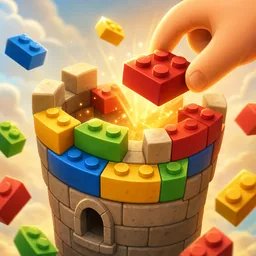
About the game
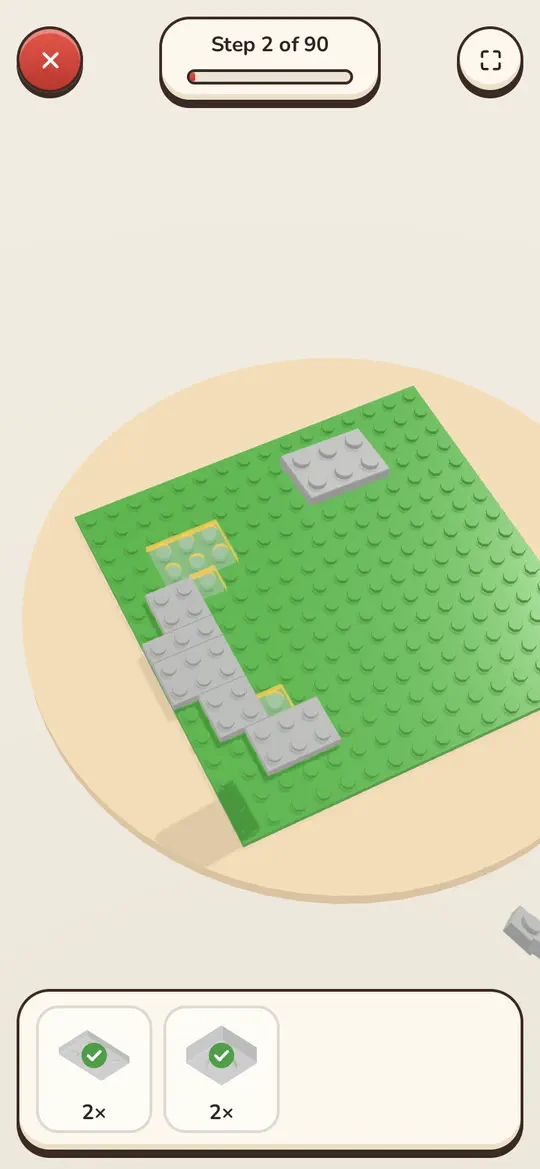
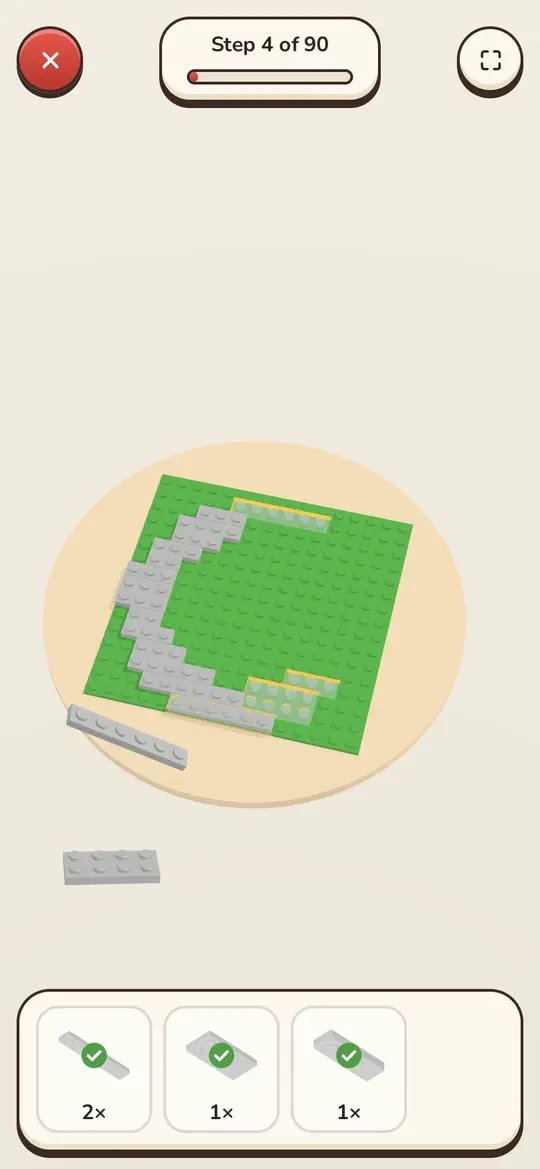
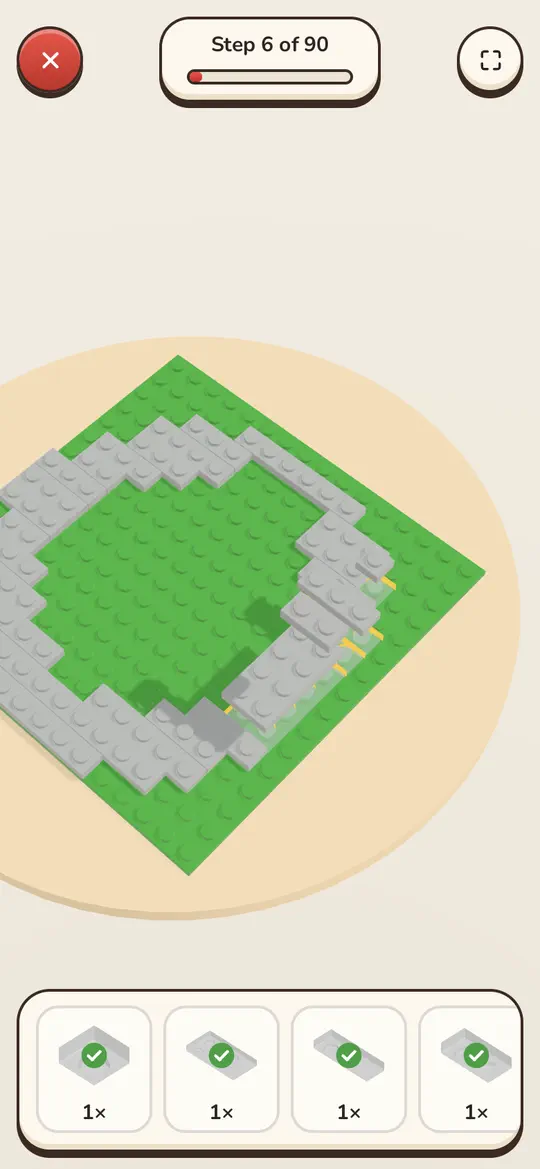
Kərpic, Azerbaijani for “brick”, is a calm 3D construction set. Open the box, tear open the bags and build step by step: see-through ghosts show where the next pieces go, and each brick you tap in the tray flies into place with a click. There are 20 sets in three difficulty groups, from a flower in a pot and a little duck to a lighthouse, a castle and Baku landmarks — the Maiden Tower, the Flame Towers, the Double Gates, an oil derrick and a tea house.
Every finished model gets its own pedestal in the Showcase, where it turns slowly and photo mode lets you snap it against a sky, night or studio background. Record a timelapse of the build and share it with friends. And in Free Build an empty 32×32 baseplate and every brick are yours to make whatever you like.
Screenshots
How to play
Pick a set in the catalogue and tap a brick card in the tray: the piece flies to its spot in the current step, and once the step is done the next one appears. The faster you finish, the more stars you get — up to three per set. You can stop halfway and return later from the Continue building card.
In Free Build, choose a brick at the bottom and it appears on the baseplate as a ghost. Drag it into position, rotate it and press Place; a brick only holds if there are studs beneath it. Undo takes back the last move, and a long press on a brick removes it.
Controls
Swipe to turn the model, pinch or roll the mouse wheel to zoom, and double-tap to frame the whole step. A finger on a phone and the mouse on a computer work the same way.
Questions and answers
Which sets are there?
Twenty in all: easy ones such as the Flower, Duck, Kitten, Car and Boulevard Bench; medium ones such as the House, Lighthouse, Boat, Train and Karabakh Horse; and big builds with hundreds of bricks — the Castle, the Maiden Tower and the Flame Towers.
How are stars awarded?
For speed: the quicker you finish a set for its size, the more stars, up to three. Your best time is remembered, and you can build any set again to beat it.
Can I share what I built?
Yes. After finishing a set, record a timelapse — the model rebuilds itself at high speed — and share or save the video. Photo mode in the Showcase takes a picture of any model.
Are my models kept?
Finished sets, stars, builds in progress and your Free Build creations are stored in this browser. Sign in and they’re also kept in the cloud, so you can carry on from another device.