
About the game
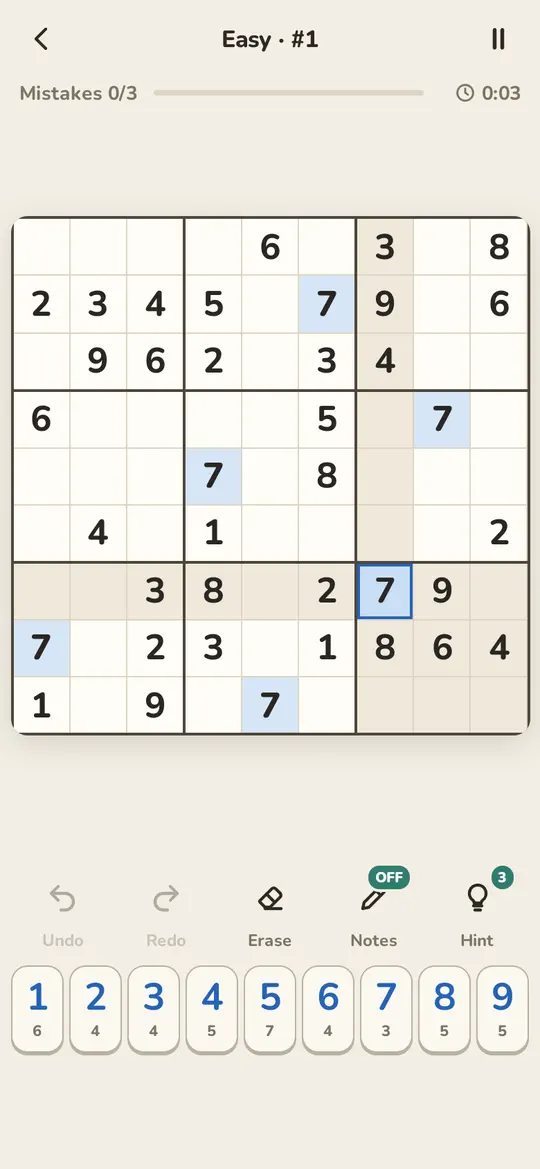
Ninestone is sudoku in the quiet of a stone garden: paper and ink, large cells, and a light or dark look to suit you. The puzzles never run out — each one is generated on your device and has exactly one solution.
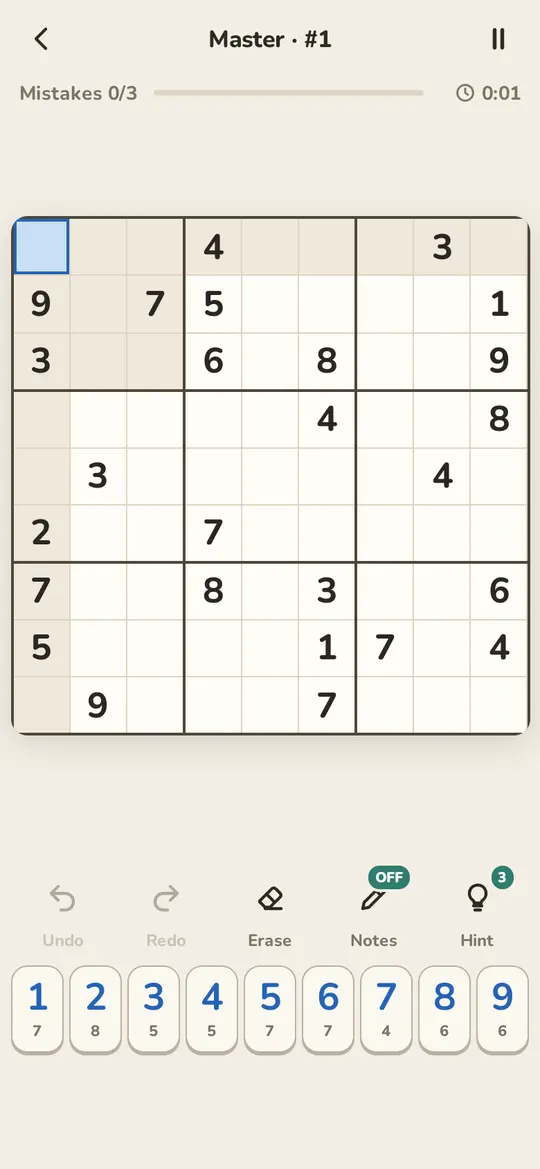
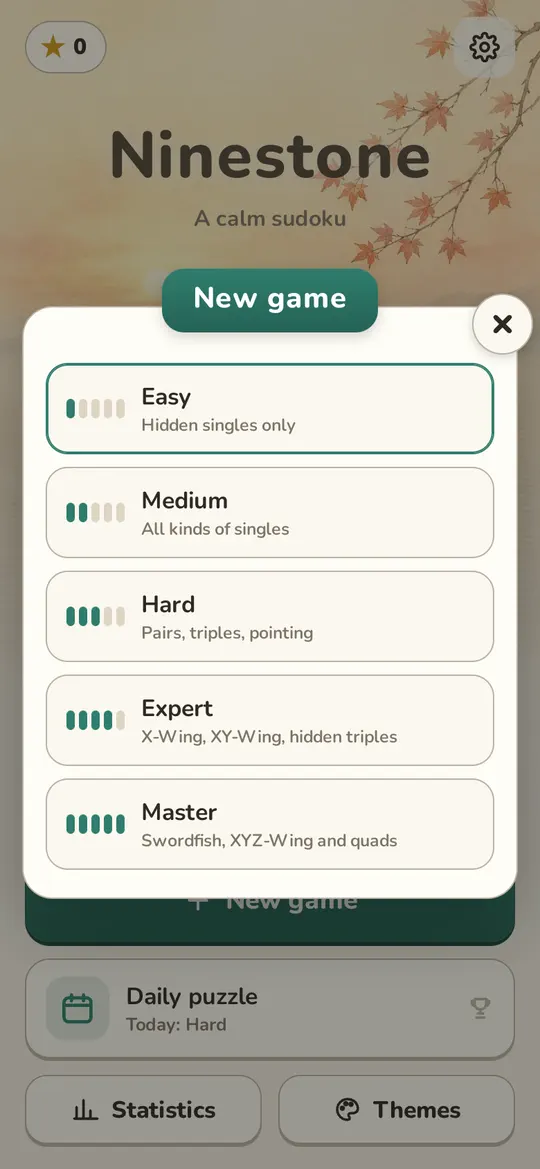
Difficulty is set by the techniques you need, not by how many digits are given: Easy asks only for hidden singles, Expert for X-Wing and XY-Wing, Master for swordfish and quads. Solved puzzles earn stars that unlock board themes, and the Daily puzzle fills a monthly calendar towards a trophy.
Screenshots
How to play
Tap a cell, then a digit below; the small number under each digit shows how many are left to place. Notes let you pencil in candidates, and a correct digit clears matching notes around it. Undo, Redo, Erase and Pause are always to hand.
Each digit is checked against the solution: three mistakes end the puzzle (you can switch the limit off, except in the Daily puzzle). Stuck? Every puzzle comes with three hints, and each explains the logical step rather than just filling in a cell.
Controls
Tap cells and digits with your finger on a phone, or click them with the mouse on a computer. On a keyboard, the arrows move, 1–9 place digits, N toggles notes, Z and Y undo and redo, H asks for a hint and P pauses.
Questions and answers
Which difficulty should I choose?
If you are new to sudoku, start with Easy or Medium: they need nothing but singles. Hard adds pairs and pointing, while Expert and Master call for X-Wing, swordfish and other advanced techniques.
How does the Daily puzzle work?
One puzzle a day, the same for everyone: gentler early in the week, Expert at the weekend. Solve 10 days in a month for bronze, 20 for silver, all of them for gold; only same-day solves extend your streak.
Do I need an internet connection?
Not once you have added it with the Add to Home Screen button: puzzles are made on your device, so after the first launch it plays fine with no network.